
Download Titan – team communication, real-time chat, customizable avatars, local TCP server, music integration, social engagement, productivity tool, dynamic interactions, seamless connections, personal branding
Overview
Titan is a mobile application designed to enhance team communication through a suite of tools focused on speed, personalization, and seamless interaction. Targeted at diverse user groups including gamers, remote professionals, and collaborative study teams, Titan aims to streamline real-time exchanges and foster stronger social engagement. The app’s core purpose lies in providing a responsive platform where users can connect instantly, share ideas, and maintain dynamic interactions without delays or friction.
Its emphasis on low-latency communication makes it particularly valuable for scenarios requiring immediate feedback, such as live coordination during gaming sessions or urgent project updates. The developer, Titan, has positioned the app as a productivity tool that supports both functional and expressive needs in digital communication. While specific background details about the developer are not available, the app’s feature set suggests a focus on technical efficiency and user experience.
Real-world use cases include organizing team meetings, managing group projects, and enhancing casual social interactions within tight-knit communities. In the current app ecosystem, Titan fills a niche by combining social features with network-level functionality, offering a unique alternative to mainstream messaging platforms. Its lightweight design and free availability further contribute to its accessibility across a broad audience.
Key Features & Functionality
- Lightning-Fast Chats: Titan delivers real-time messaging with minimal delay, ensuring messages are sent and received instantly. This is especially beneficial in time-sensitive environments like competitive gaming or rapid decision-making workflows, where every second counts.
- Customizable Avatars: Users can design unique avatars that reflect their identity or personality. This feature supports personal branding and adds a layer of visual engagement, making interactions more expressive and memorable.
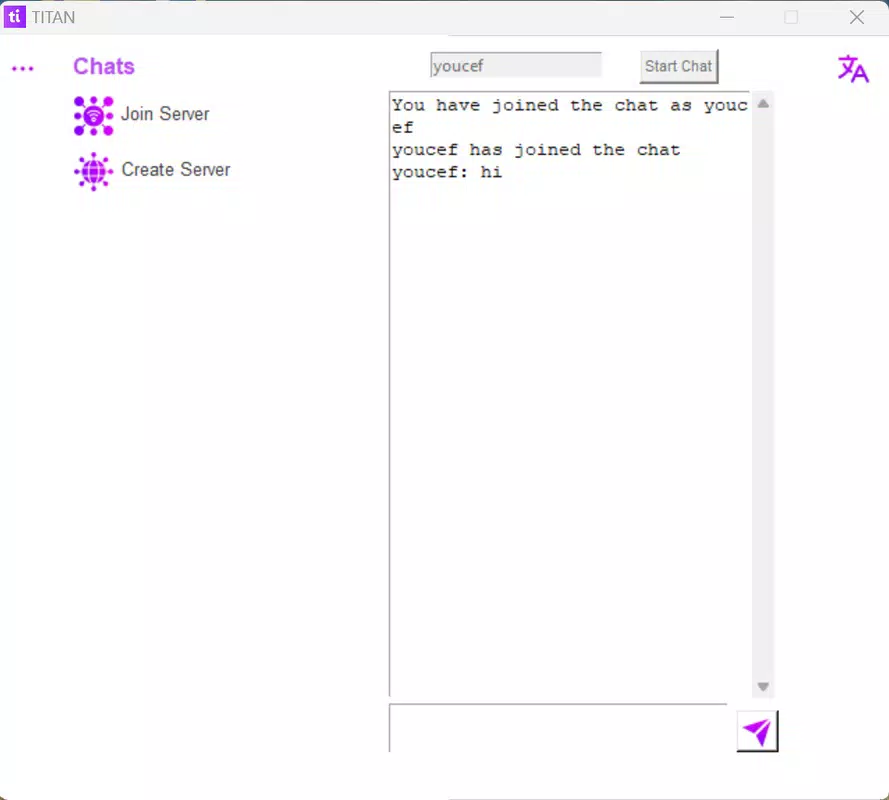
- Local TCP Server Support: The app enables users to set up a local TCP server, allowing direct connections within the same network. This is ideal for teams working in close physical proximity, reducing latency and improving connection reliability during collaborative tasks.
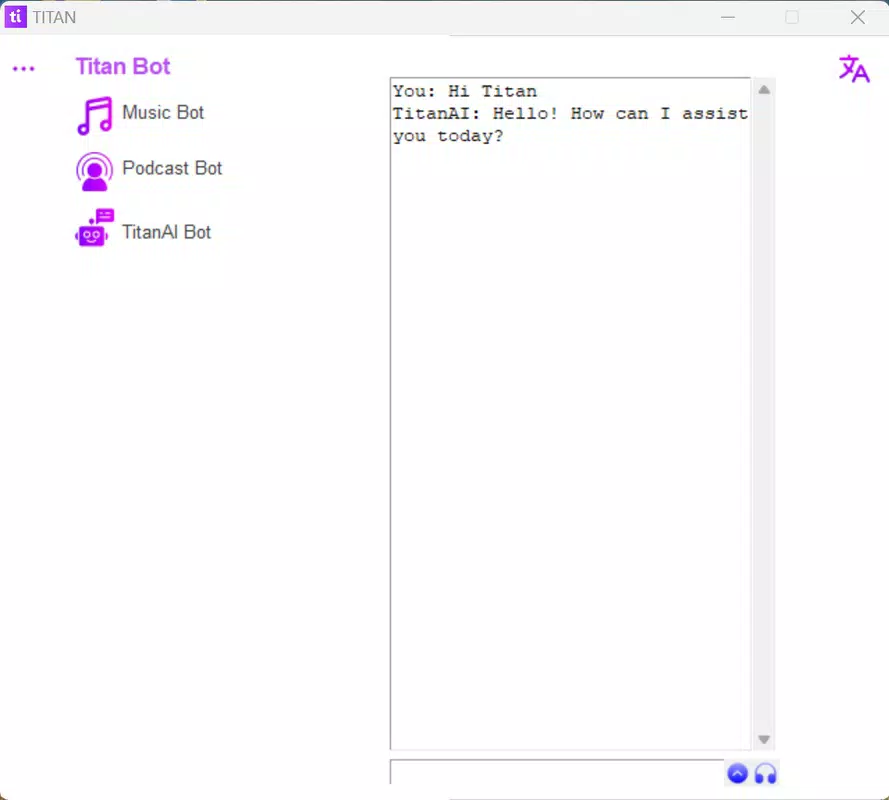
- Music and Podcast Integration: Titan allows users to stream music and podcasts directly through integrated bots. This feature enhances the chat experience by enabling shared audio sessions without switching apps, fostering a more immersive and enjoyable environment.
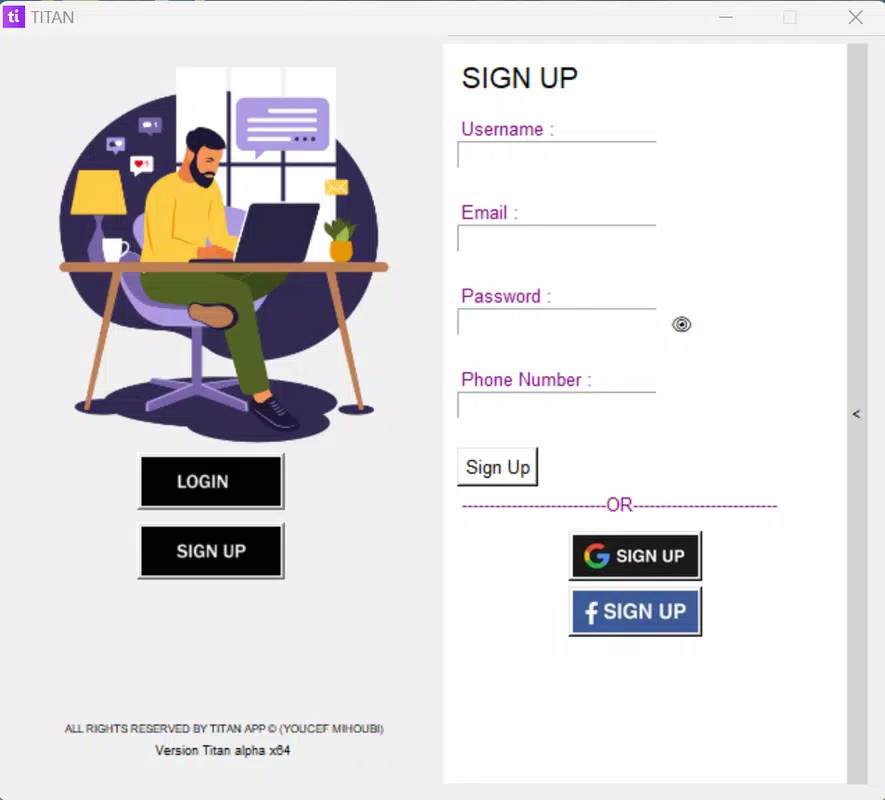
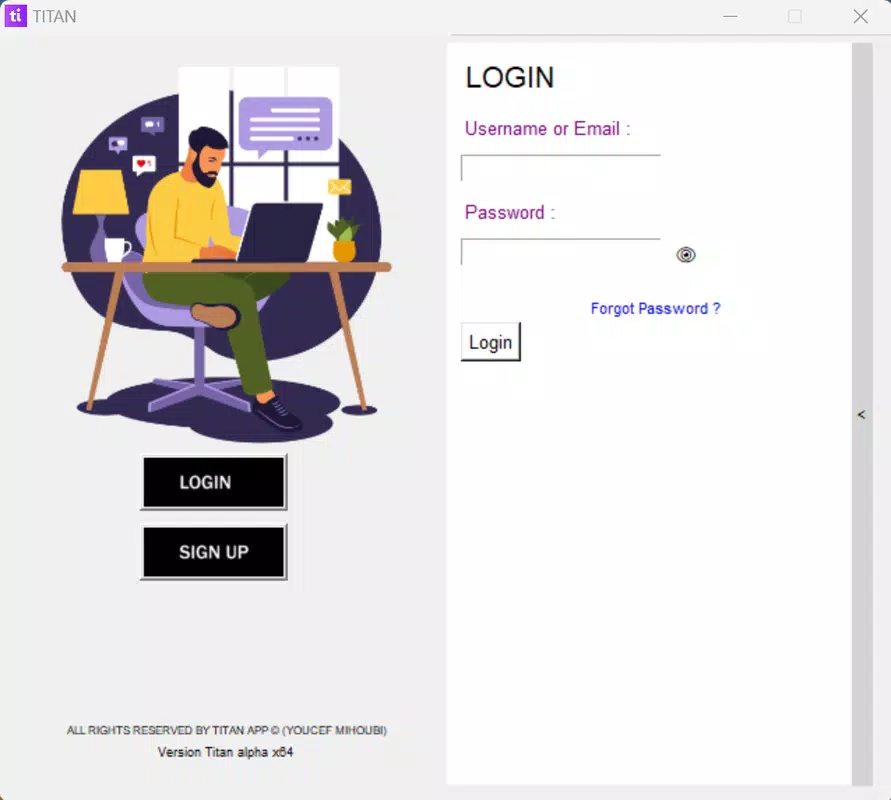
- User-Friendly Profiles: Each profile includes a 25-letter bio field, offering a concise way to introduce oneself. Additional account management tools, such as login and password change notifications, help maintain security and streamline user access.
These features collectively support both practical and social use cases. For instance, a study group can use the local TCP server to share files and chat without relying on external internet connections. Gamers can personalize avatars and play background music during team calls, creating a more cohesive and fun atmosphere. The integration of audio content into chat sessions also opens possibilities for virtual hangouts or collaborative brainstorming with shared soundtracks.
Interface, UX & Performance
The user interface of Titan appears to prioritize clarity and efficiency, with a layout designed for intuitive navigation and quick access to core functions. Visual elements are likely organized to minimize clutter, supporting fast interaction without overwhelming users. The app’s navigation flow seems streamlined, allowing users to move between chat rooms, profiles, and settings with minimal effort.
Based on the app’s lightweight size of 12.3 MB, it is optimized for performance on a range of Android devices, including those with modest hardware specifications. Although the developer did not list formal performance metrics, the emphasis on speed and low-latency communication suggests that the app is engineered for responsiveness. Stability during prolonged use and under network fluctuations is expected to be adequate, though detailed testing data is not provided.
The app’s lightweight footprint also implies faster launch times and reduced battery consumption compared to heavier alternatives. Users can expect consistent behavior across different device categories, from entry-level smartphones to mid-range models. The absence of reported crashes or performance issues in public disclosures indicates a stable foundation.
Overall, the UX design aligns with modern mobile standards, offering a clean and functional experience that supports both casual and intensive use.
Platform Compatibility & Technical Requirements
Titan is available exclusively on the Android platform. The current version is 1.0.0, with a file size of 12.3 MB, indicating a lightweight and efficient application. The developer did not specify minimum OS requirements, so compatibility with older Android versions cannot be confirmed.
Users should verify device compatibility through the official distribution channel. The app is free to download and install, making it accessible to a wide audience. No additional hardware requirements were disclosed, suggesting that the app functions without specialized sensors or peripherals.
The absence of detailed technical specifications means that users relying on specific device capabilities should proceed with caution. However, the small file size and focus on core functionality imply broad compatibility across various Android devices, including budget and mid-tier models. Future updates may expand support to other platforms, but no such plans were mentioned in the provided data.
Pros and Cons
Pros
- Lightweight design at only 12.3 MB, ensuring fast downloads and minimal storage use.
- Free to download and use, making it accessible without financial barriers.
- Real-time chat capabilities support immediate communication for time-sensitive tasks.
- Customizable avatars enhance personal expression and social engagement.
- Local TCP server support enables low-latency connections within the same network.
- Integrated music and podcast streaming improves the overall chat experience.
Cons
- The developer did not provide information on minimum OS requirements.
- Platform availability is limited to Android, with no indication of iOS support.
- Specific performance benchmarks or stability data were not disclosed.
- Compatibility with older or low-end devices remains unconfirmed.
- Advanced features like the local TCP server may require technical knowledge to set up.
FAQ
Is Titan available for iOS devices?
The current release of Titan is only available on Android. No information was provided regarding future iOS compatibility.
Can I use Titan without an internet connection?
While the app supports local TCP server functionality for network-based connections, full features require an active internet connection for initial setup and external communication.
Is Titan safe to download and use?
Titan is free and distributed through official channels. The app’s lightweight nature and lack of reported security issues suggest a secure experience, though users should always download from trusted sources.
How do I update Titan?
Updates are typically delivered through the official app store. Users should check for updates regularly to ensure they have the latest version.
Does Titan collect user data?
The developer did not disclose data collection practices. Users are advised to review the privacy policy upon installation for full transparency.
Final Thoughts
Titan stands out as a focused, efficient tool for team communication that balances functionality with user experience. Its combination of real-time chat, customizable avatars, and local TCP server support makes it a compelling choice for users who value speed, privacy, and personalization. Whether used by gamers coordinating strategies, professionals managing remote teams, or students collaborating on projects, Titan offers a streamlined environment for dynamic interactions.
The integration of music and podcasts adds a unique touch, transforming standard chats into shared social experiences. With its free model and lightweight design, Titan delivers strong value without compromising performance. For users seeking a modern, agile communication platform that goes beyond basic messaging, Titan presents a promising solution.
Download Titan now.


